Invoice Generator & Tracker – Excel Invoice Template with Payment Tracking & Aged Debt
Original price was: £15.00.£9.50Current price is: £9.50.
See it in action
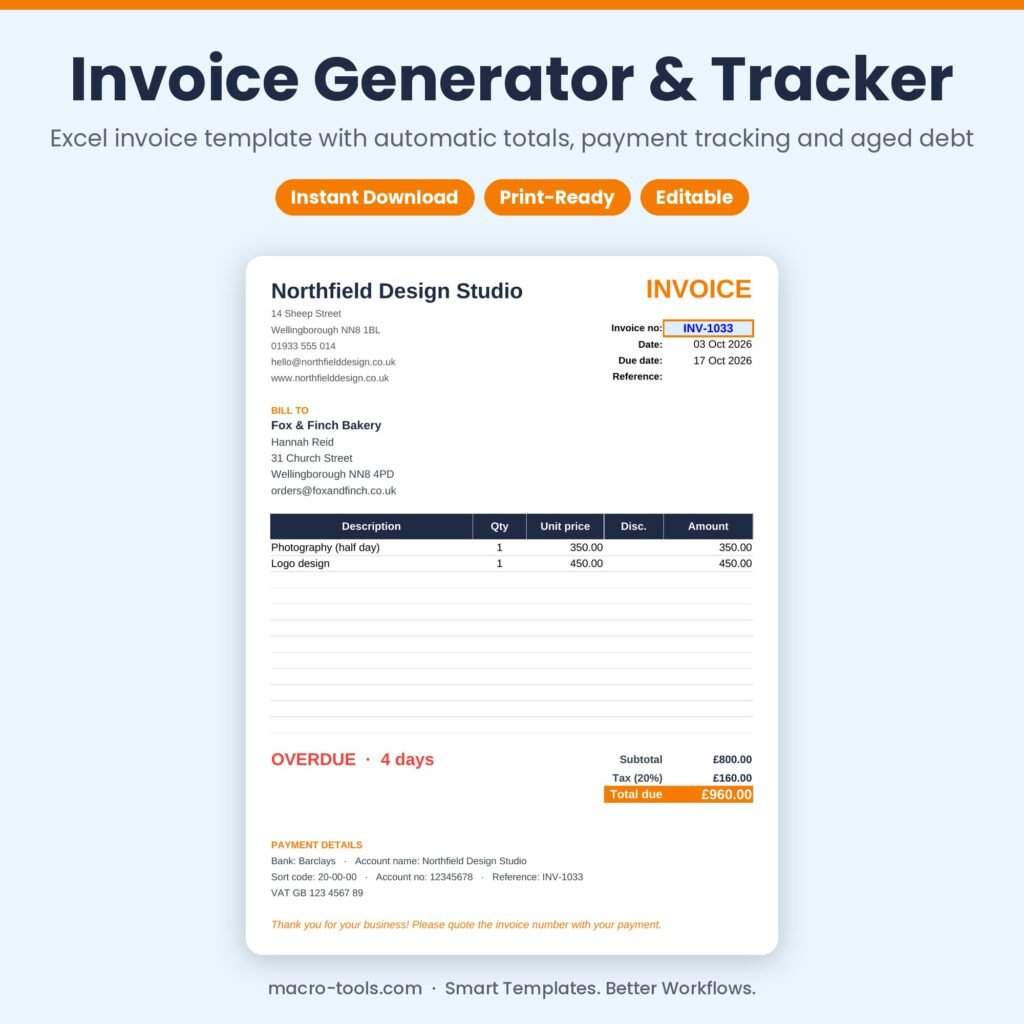
Invoicing and credit control in one simple workbook. Add your business and bank details once, keep a list of clients and their payment terms, and record each invoice with its line items. The Invoice sheet turns any invoice number into a clean, print-ready invoice; the register works out totals, tax, due dates and status; and the dashboard shows exactly what’s been paid, what’s outstanding and what’s overdue.
What it does
- Print-ready invoice – pick an invoice number to produce a one-page invoice with your details, client address, lines, tax and payment details
- Automatic totals – line totals with quantity, price and discount; tax at your default or a per-invoice rate
- Payment tracking – due date from payment terms, with Paid, Due soon, Unpaid and Overdue status and days overdue
- Aged debt – unpaid invoices grouped into not yet due, 1–30, 31–60, 61–90 and 90+ days
- Dashboard – invoiced, paid, outstanding, overdue and average days to pay, month by month and by client
- Client list – billing addresses, emails, payment terms and each client’s outstanding balance
- Protected formulas – calculations are locked and hidden so nothing breaks by accident
Who it’s for
Freelancers, sole traders, consultants, tradespeople and small businesses who want simple invoicing without accounting software.
What’s included
- 1 Excel workbook (.xlsx): How to Use, Dashboard, Invoice, Invoices, Line Items, Clients and Settings
- A sample design studio with 8 clients and a year of invoices
- Built-in How to Use guide and sample data you can clear in one step
Requirements
Microsoft Excel 2010 or later, including Excel 2019, 2021 and Microsoft 365 (Windows or Mac). Not designed for Google Sheets.
This is a digital download. No physical item will be shipped. Your file is available to download immediately after purchase.
Template Features
- Ready to use: just type in the blue input cells
- Formulas locked and hidden so nothing breaks by accident
- Drop-down lists and automatic status colours
- Dashboard and summaries update instantly
- Sample data included so you can see it working
- Built-in How to Use sheet
Software Compatibility
- Microsoft Excel 2010 or later
- Excel 2016, 2019, 2021 and Microsoft 365
- Windows and Mac
- Not designed for Google Sheets or Numbers
Skill Level Required
- Beginner friendly: no formulas, macros or add-ins needed
- Clear instructions on the How to Use sheet
- Works out of the box with your own data
Download & Licence
- Instant download after checkout (.xlsx file)
- Lifetime access from your account
- Use for personal or internal business use
- Reselling or sharing the file is not permitted
You may also like
-
New
Sale!
 Business & HR Tools
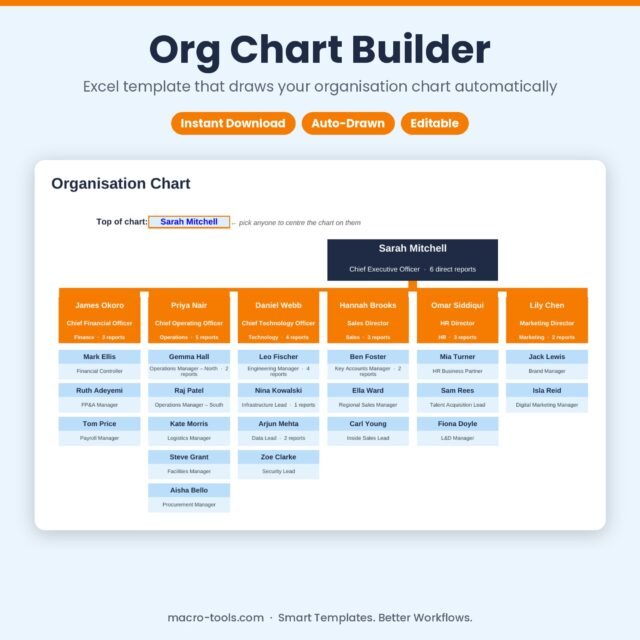
Org Chart Builder – Excel Organisation Chart Template that Draws Itself
Original price was: £10.50.£6.50Current price is: £6.50. Add to cart -
New
Sale!
 Business & HR Tools
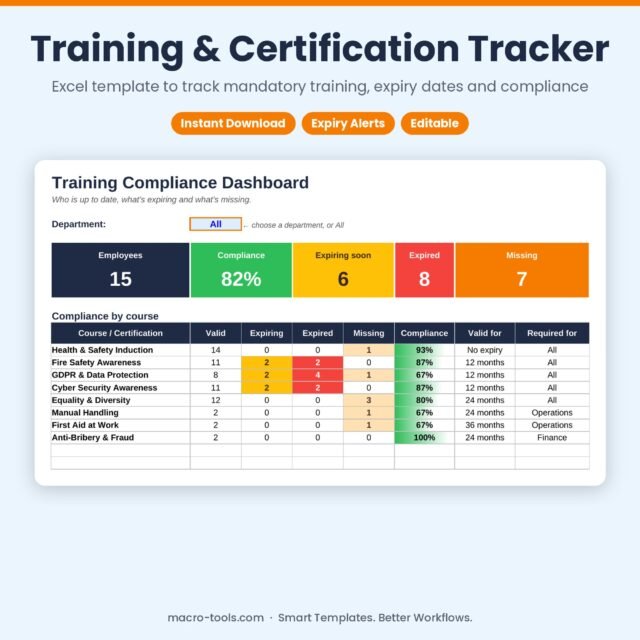
Training & Certification Tracker – Excel Training Matrix with Expiry Dates & Compliance
Original price was: £11.00.£7.00Current price is: £7.00. Add to cart -
New
Sale!
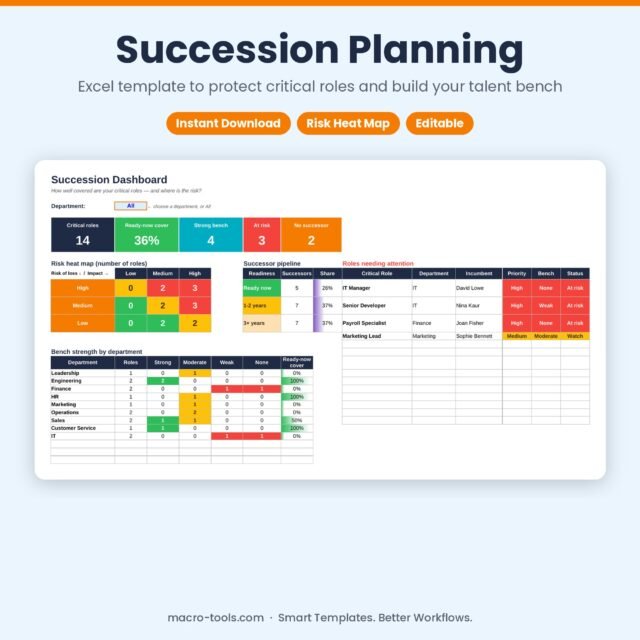 Business & HR Tools
Succession Planning – Excel Template with Risk Heat Map & Bench Strength
Original price was: £9.00.£5.50Current price is: £5.50. Add to cart -
New
Sale!
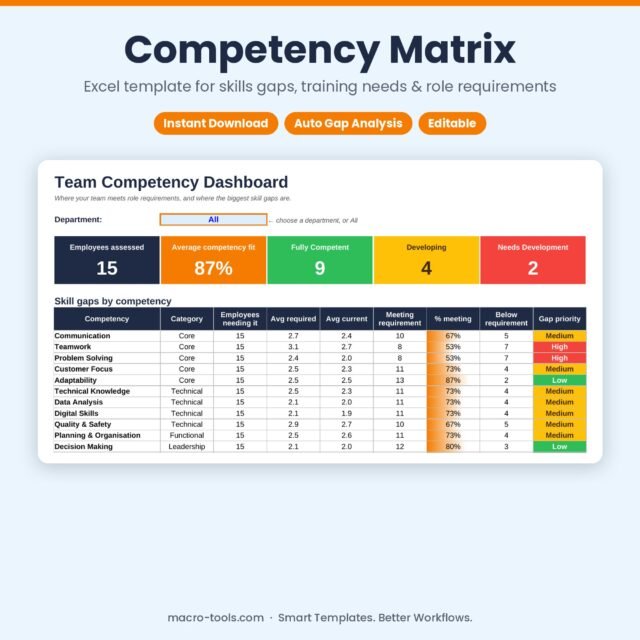 Business & HR Tools
Competency Matrix – Excel Template for Skills Gap Analysis & Training Needs
Original price was: £11.00.£7.00Current price is: £7.00. Add to cart -
New
Sale!
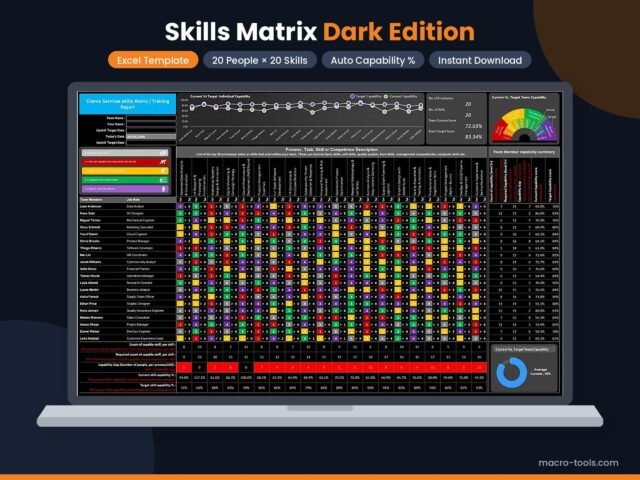 Business & HR Tools
Skills Matrix Excel Template – Dark Edition (Training Tracker & Dashboard)
Original price was: £13.50.£8.50Current price is: £8.50. Add to cart -
New
Sale!
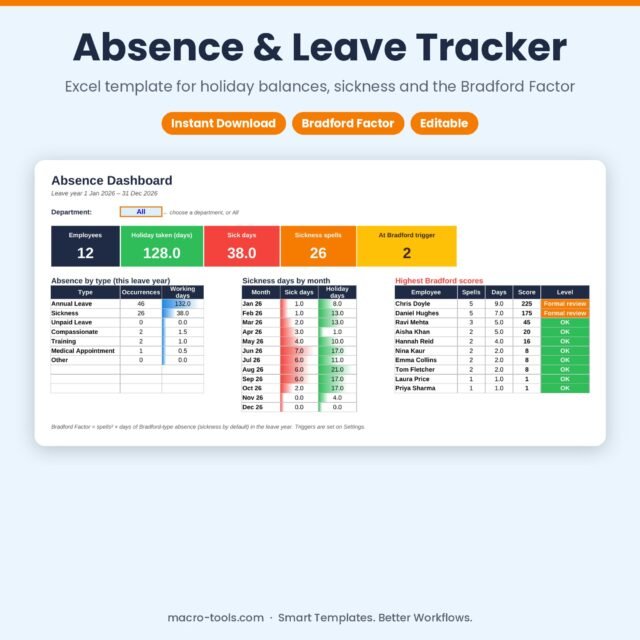 Business & HR Tools
Absence & Leave Tracker – Excel Holiday Planner with Bradford Factor & Calendar
Original price was: £13.00.£8.00Current price is: £8.00. Add to cart -
New
Sale!
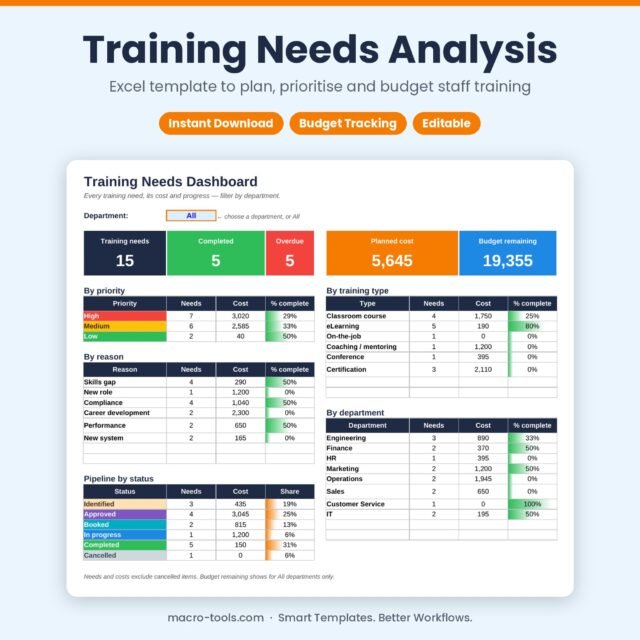 Business & HR Tools
Training Needs Analysis – Excel Training Plan & Budget Tracker Template
Original price was: £9.00.£5.50Current price is: £5.50. Add to cart -
New
Sale!
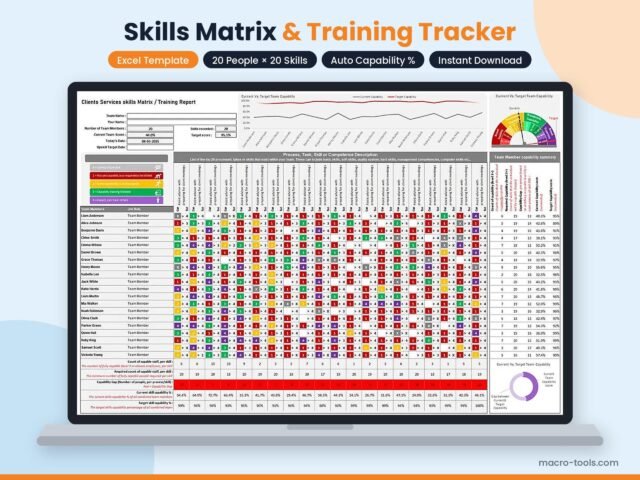 Business & HR Tools
Skills Matrix Excel Template – Light Edition (20 Members × 20 Skills)
Original price was: £14.50.£9.00Current price is: £9.00. Add to cart -
New
Sale!
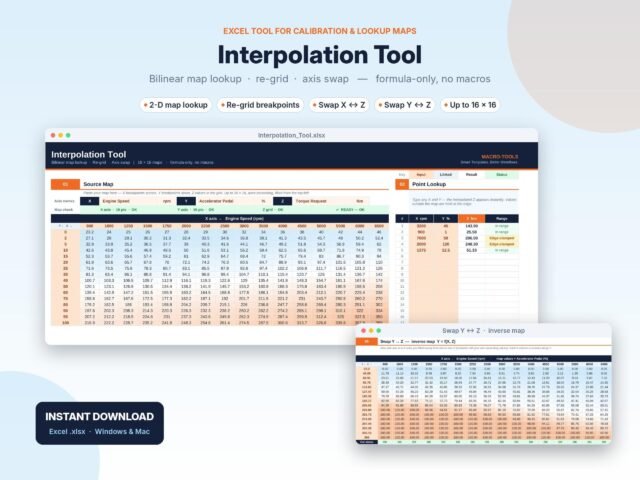 Excel Tools
2D Map Interpolation Tool – Bilinear Lookup, Re-grid & Inverse Map (Excel)
Original price was: £5.00.£3.00Current price is: £3.00. Add to cart -
Free
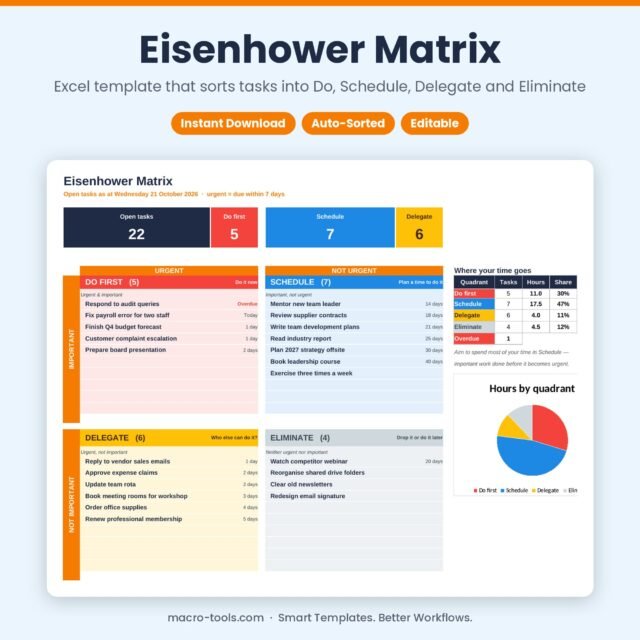 Excel Tools
Eisenhower Matrix – Excel Priority Matrix Template with Automatic Urgency
Free Add to cart