


Description
See it in action
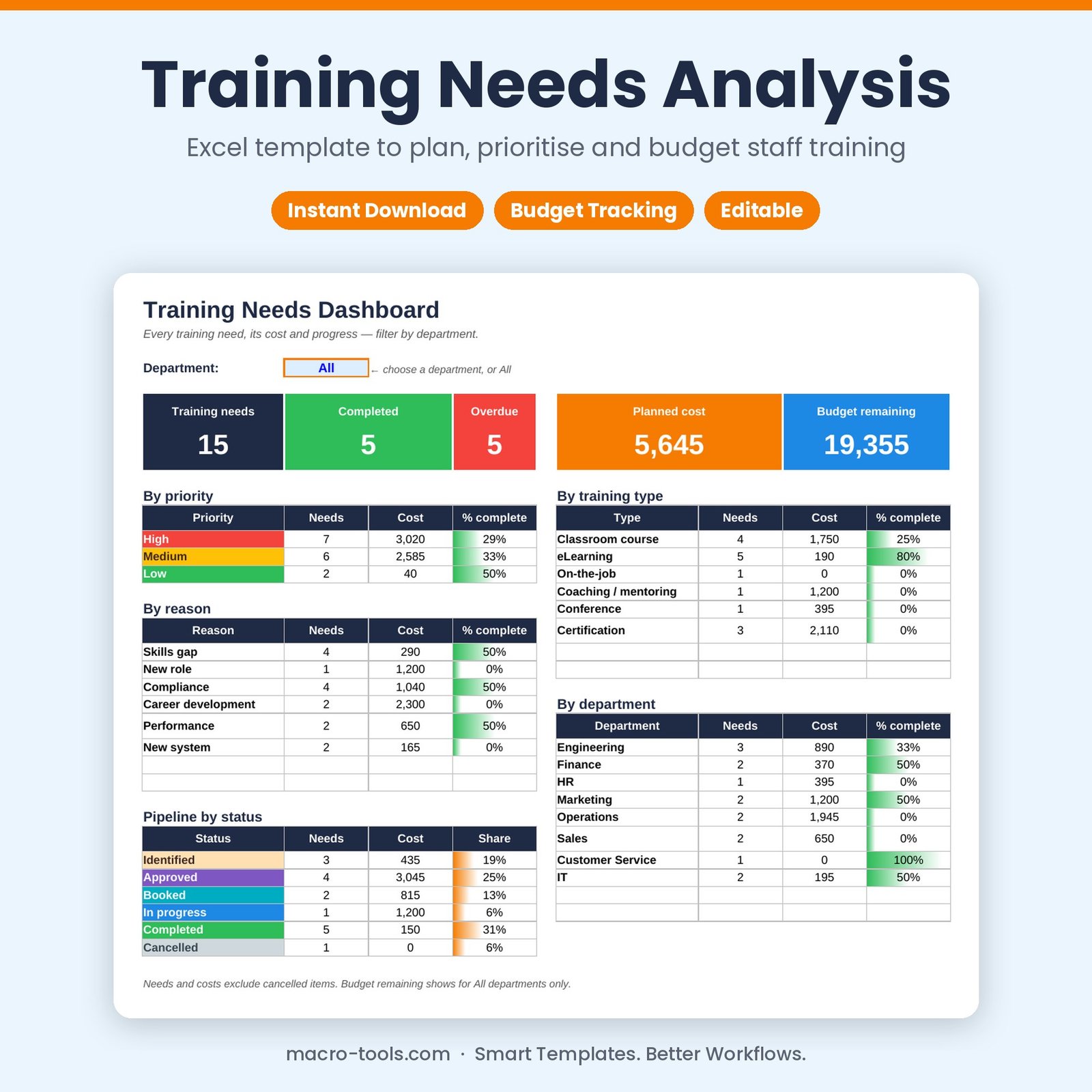
Turn your training needs analysis into a clear, costed plan. Record each need with its reason, priority, training type, provider, cost and dates, then track it from Identified to Completed. The dashboard shows what’s planned, what’s done, what’s overdue and how much budget is left — for the whole company or one department.
What it does
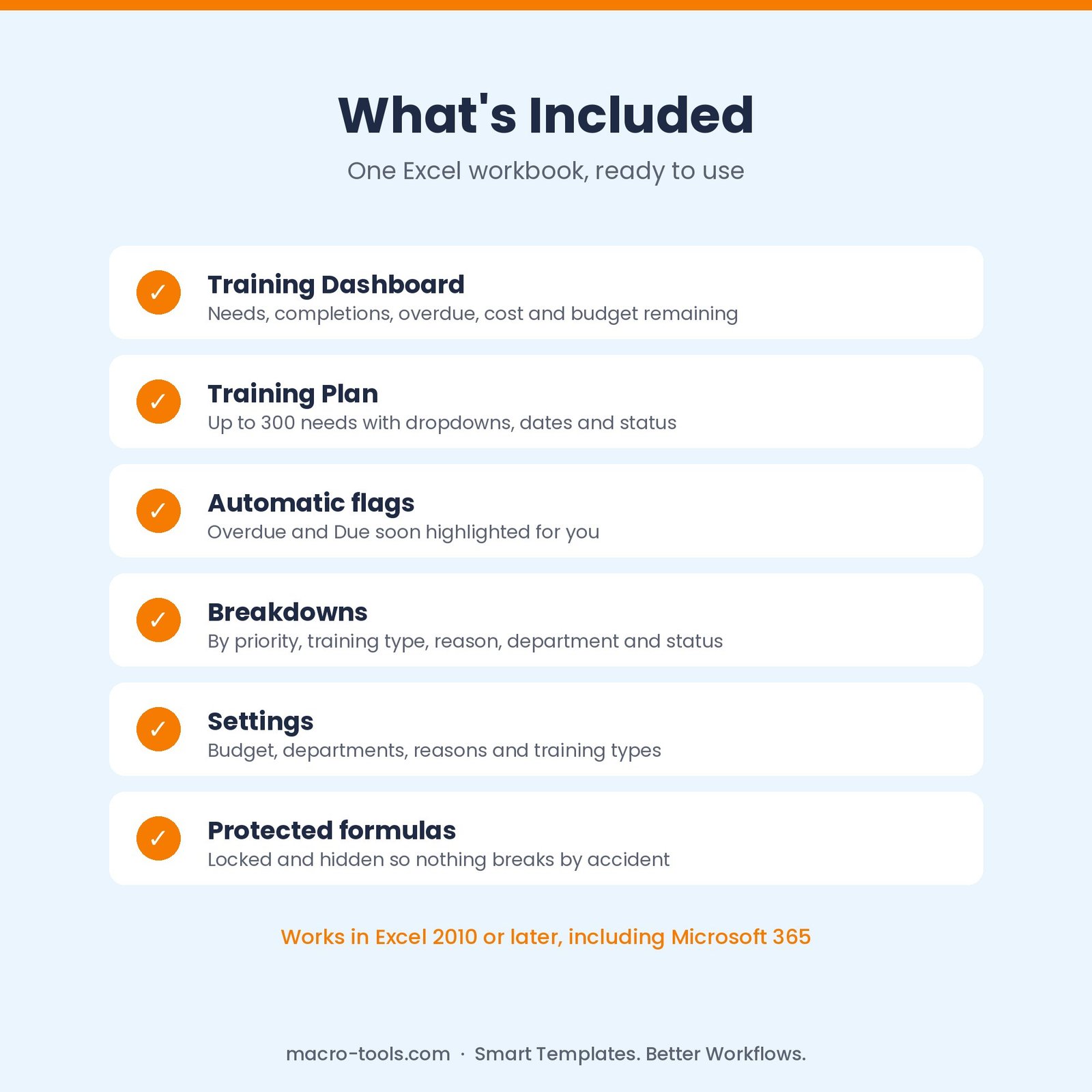
- Training Plan log – up to 300 needs with dropdowns for department, reason, priority, type and status
- Automatic flags – overdue and due-within-30-days items highlighted
- Training dashboard – needs, completions, overdue, planned cost and budget remaining
- Breakdowns – by priority, training type, reason, department and status, with % complete
- Department filter – focus the dashboard on one team in a click
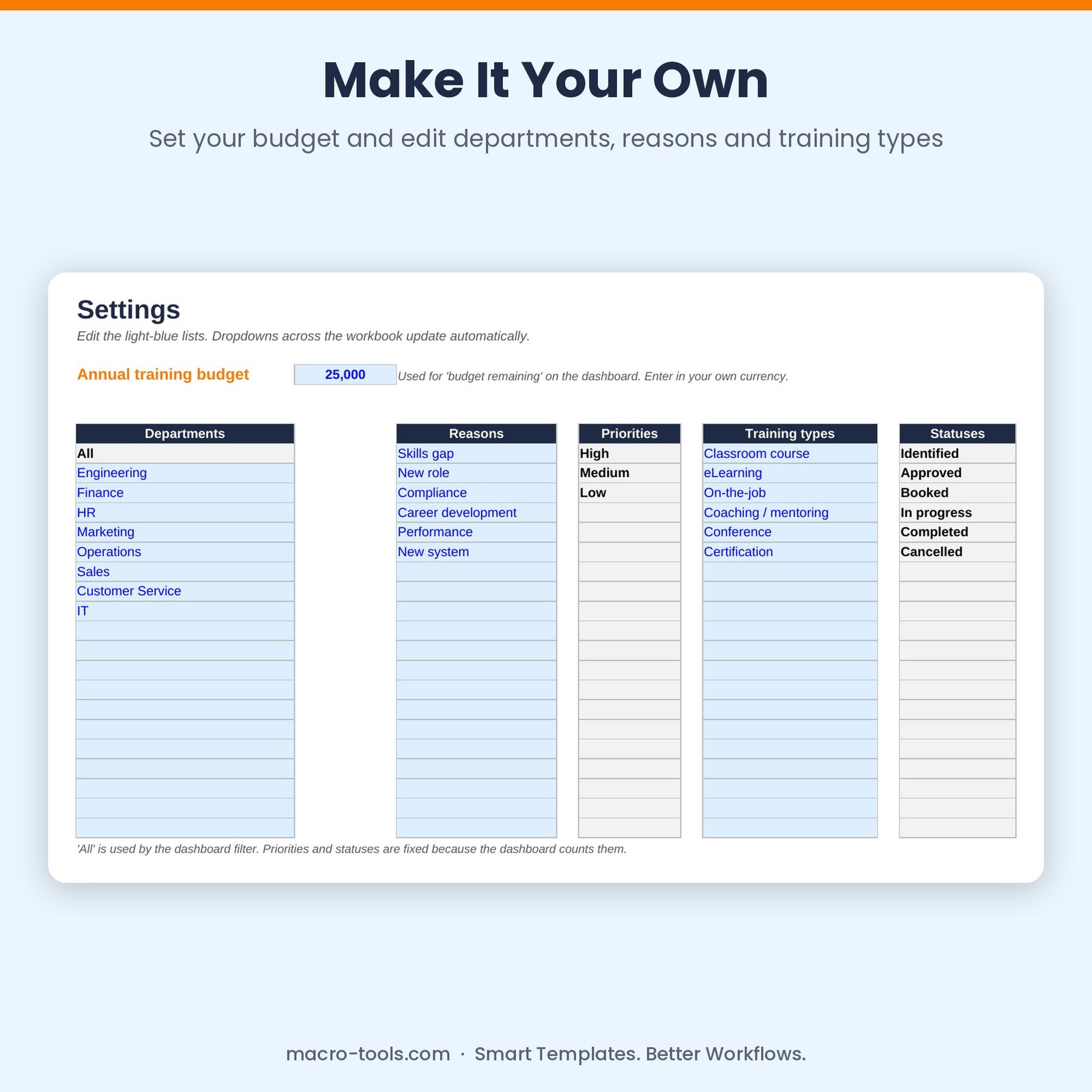
- Customisable lists – your own departments, reasons and training types
- Protected formulas – calculations are locked and hidden so nothing breaks by accident
Who it’s for
HR, L&D and training coordinators, team leaders and small business owners planning and budgeting staff development.
What’s included
- 1 Excel workbook (.xlsx): How to Use, Dashboard, Training Plan and Settings
- Built-in How to Use guide and sample data you can clear in one step
Requirements
Microsoft Excel 2010 or later, including Excel 2019, 2021 and Microsoft 365 (Windows or Mac). Not designed for Google Sheets.
This is a digital download. No physical item will be shipped. Your file is available to download immediately after purchase.
Reviews
There are no reviews yet.