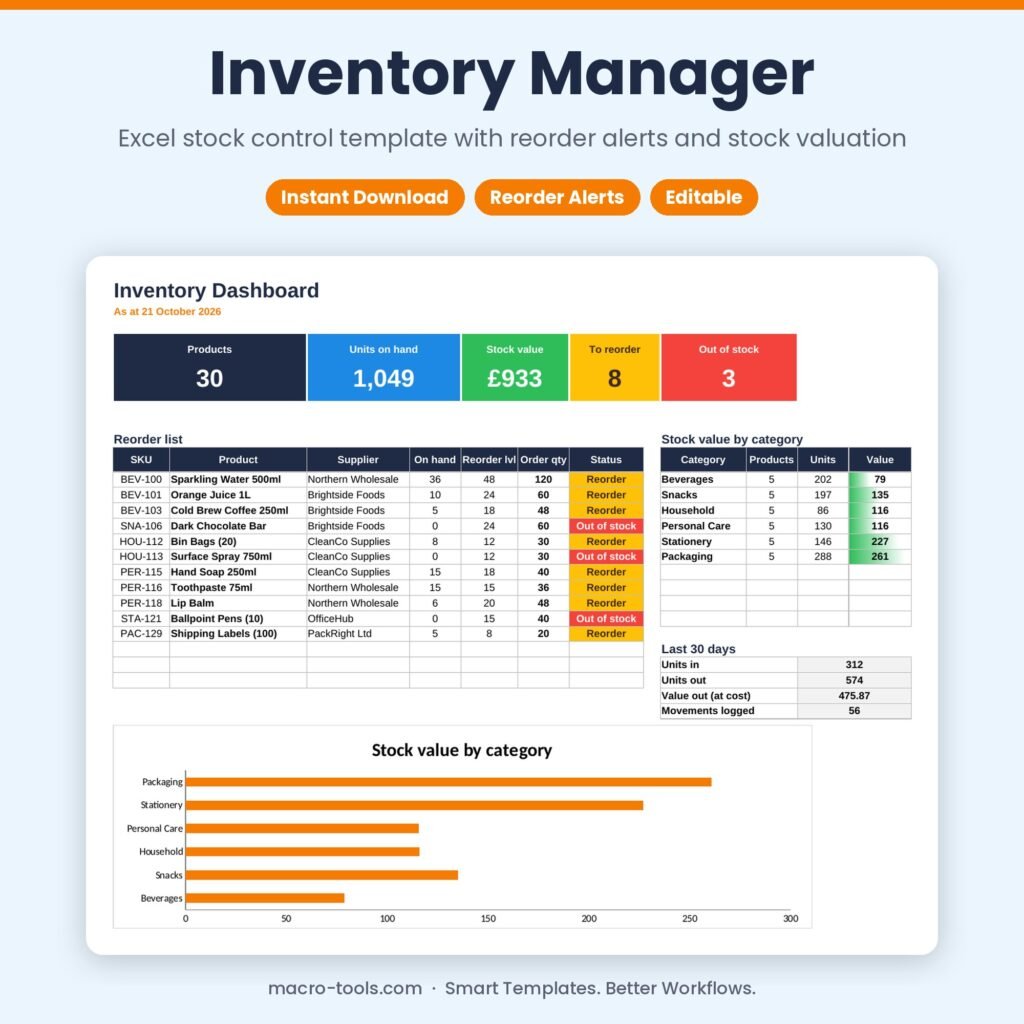
Inventory Manager – Excel Stock Control Template with Reorder Alerts & Stock Valuation
Original price was: £16.00.£10.00Current price is: £10.00.
See it in action
Simple, reliable stock control in Excel. List your products once with their cost, sell price and reorder level, then log every delivery, sale and stock-count correction. The workbook keeps stock on hand up to date, values your inventory, flags anything that needs reordering and builds a reorder list with suggested quantities and suppliers.
What it does
- Live stock on hand – opening stock plus deliveries, minus sales and adjustments, for every product
- Reorder alerts – Reorder, Out of stock and Slow moving status worked out automatically
- Reorder list – every item that needs ordering with supplier, on-hand, reorder level and order quantity
- Stock valuation – stock value at cost and margin % per product, with totals by category
- Movement log – In, Out and Adjust with date, reference and note; product names fill in from the SKU
- Dashboard – products, units, stock value, items to reorder, out of stock and the last 30 days of activity
- Protected formulas – calculations are locked and hidden so nothing breaks by accident
Who it’s for
Small shops, online sellers, cafés, workshops, offices and stores managing stock without expensive inventory software.
What’s included
- 1 Excel workbook (.xlsx): How to Use, Dashboard, Products, Movements and Settings
- A sample shop with 30 products and four months of stock movements
- Built-in How to Use guide and sample data you can clear in one step
Requirements
Microsoft Excel 2010 or later, including Excel 2019, 2021 and Microsoft 365 (Windows or Mac). Not designed for Google Sheets.
This is a digital download. No physical item will be shipped. Your file is available to download immediately after purchase.
Template Features
- Ready to use: just type in the blue input cells
- Formulas locked and hidden so nothing breaks by accident
- Drop-down lists and automatic status colours
- Dashboard and summaries update instantly
- Sample data included so you can see it working
- Built-in How to Use sheet
Software Compatibility
- Microsoft Excel 2010 or later
- Excel 2016, 2019, 2021 and Microsoft 365
- Windows and Mac
- Not designed for Google Sheets or Numbers
Skill Level Required
- Beginner friendly: no formulas, macros or add-ins needed
- Clear instructions on the How to Use sheet
- Works out of the box with your own data
Download & Licence
- Instant download after checkout (.xlsx file)
- Lifetime access from your account
- Use for personal or internal business use
- Reselling or sharing the file is not permitted
You may also like
-
New
Sale!
 Business & HR Tools
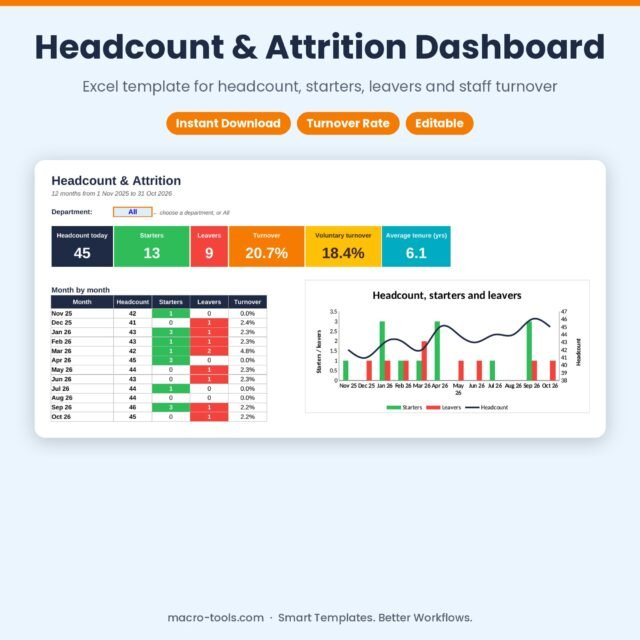
Headcount & Attrition Dashboard – Excel Staff Turnover Template with Monthly Chart
Original price was: £12.00.£7.50Current price is: £7.50. Add to cart -
New
Sale!
 Business & HR Tools
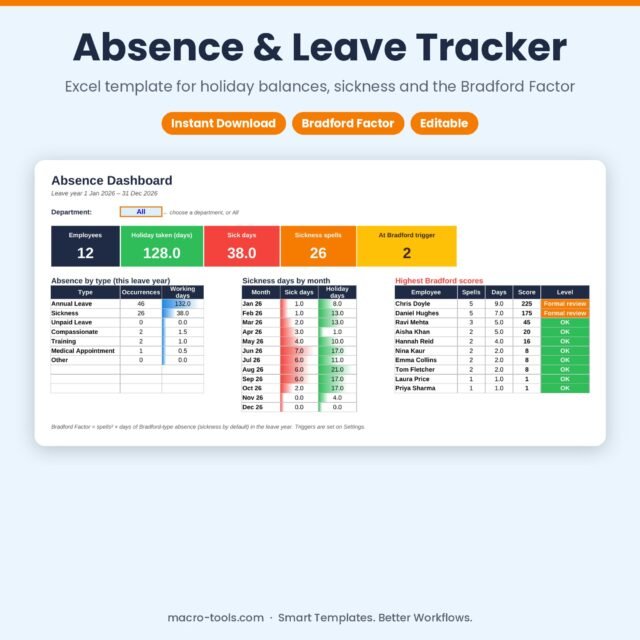
Absence & Leave Tracker – Excel Holiday Planner with Bradford Factor & Calendar
Original price was: £13.00.£8.00Current price is: £8.00. Add to cart -
New
Sale!
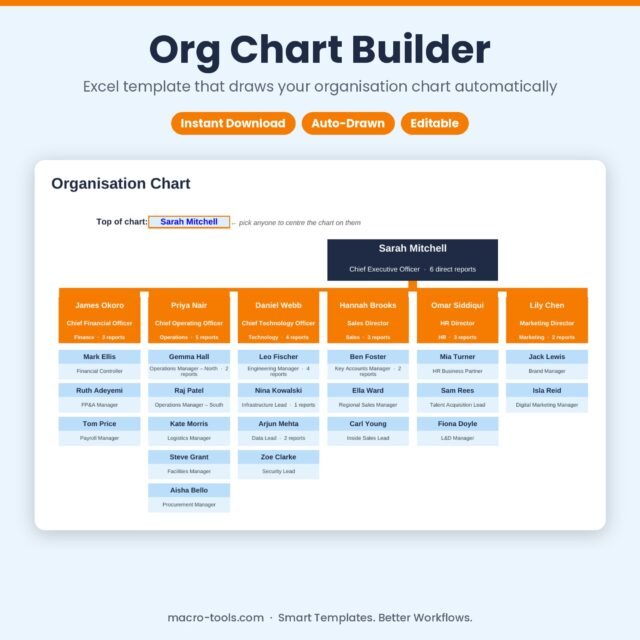 Business & HR Tools
Org Chart Builder – Excel Organisation Chart Template that Draws Itself
Original price was: £10.50.£6.50Current price is: £6.50. Add to cart -
New
Sale!
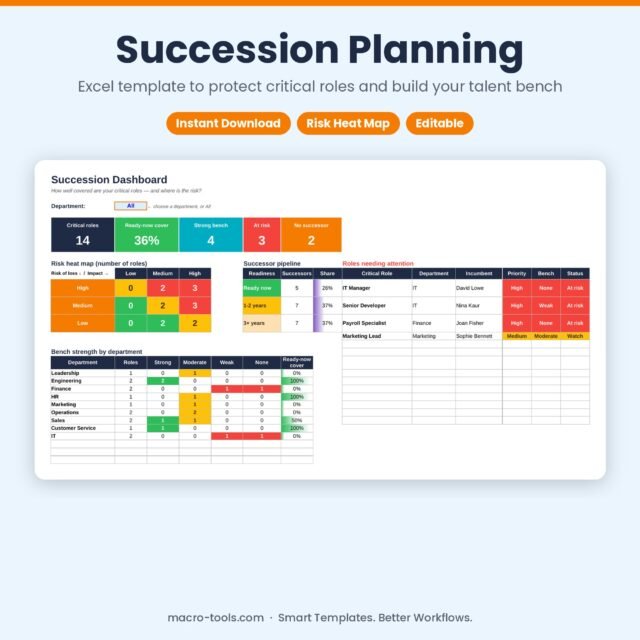 Business & HR Tools
Succession Planning – Excel Template with Risk Heat Map & Bench Strength
Original price was: £9.00.£5.50Current price is: £5.50. Add to cart -
New
Sale!
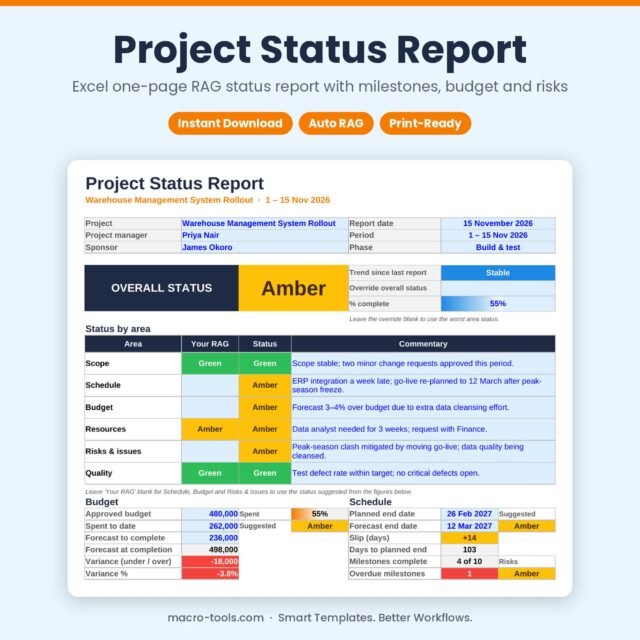 Dashboards & Reports
Project Status Report – Excel One-Page RAG Report with Milestones, Budget & Risks
Original price was: £13.00.£8.00Current price is: £8.00. Add to cart -
New
Sale!
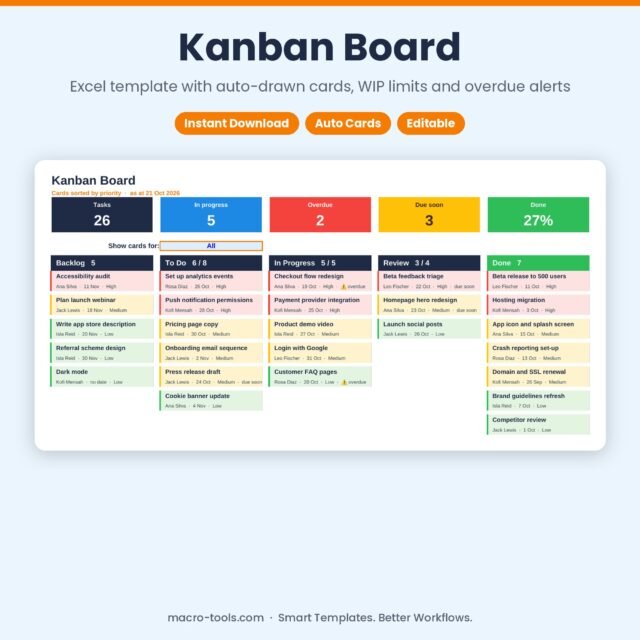 Excel Tools
Kanban Board – Excel Task Board Template with WIP Limits & Overdue Alerts
Original price was: £12.00.£7.50Current price is: £7.50. Add to cart -
New
Sale!
 Business & HR Tools
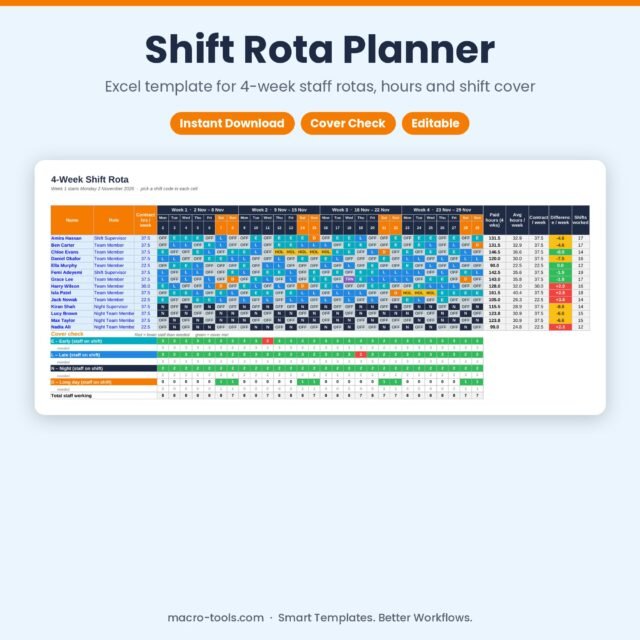
Shift Rota Planner – Excel 4-Week Staff Rota Template with Hours & Cover Check
Original price was: £13.50.£8.50Current price is: £8.50. Add to cart -
New
Sale!
 Excel Tools
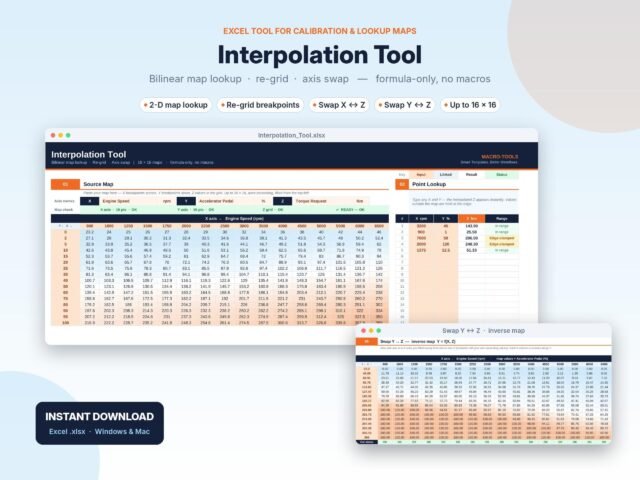
2D Map Interpolation Tool – Bilinear Lookup, Re-grid & Inverse Map (Excel)
Original price was: £5.00.£3.00Current price is: £3.00. Add to cart -
New
Sale!
 Business & HR Tools
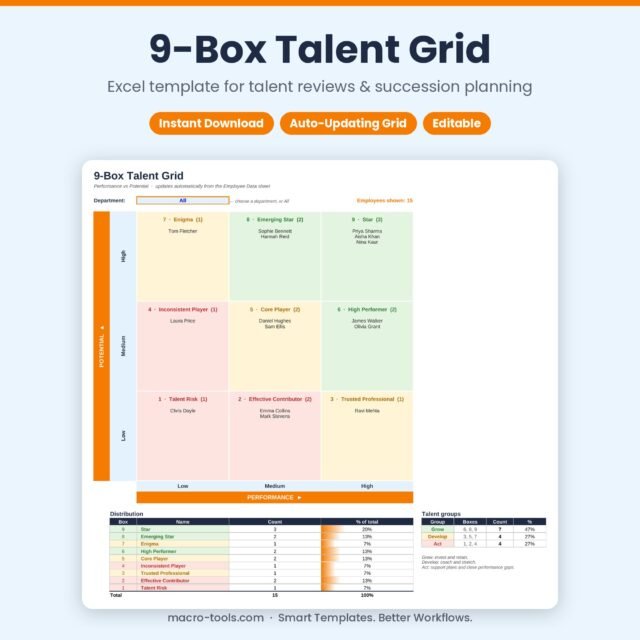
9-Box Talent Grid – Excel Template for Talent Reviews & Succession Planning
Original price was: £9.50.£6.00Current price is: £6.00. Add to cart -
New
Sale!
 Business & HR Tools
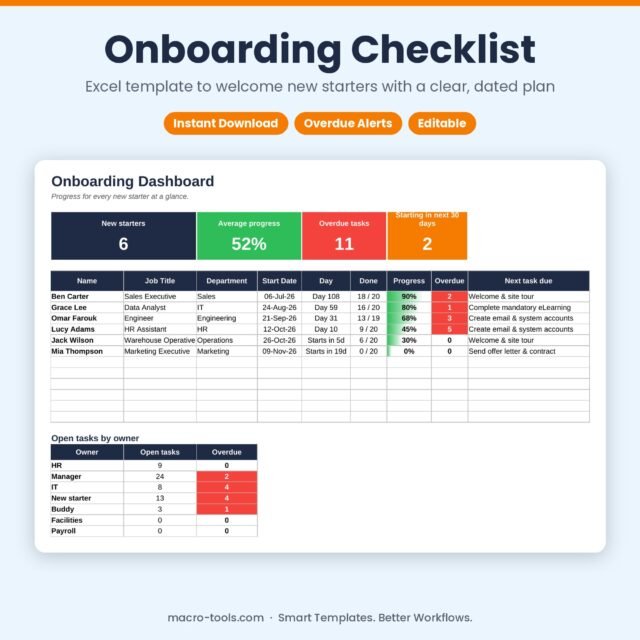
Onboarding Checklist – Excel New Starter Tracker with Due Dates & Dashboard
Original price was: £10.50.£6.50Current price is: £6.50. Add to cart