Budget Planner – Excel Monthly Budget & Expense Tracker with Budget vs Actual Dashboard
Original price was: £10.00.£5.00Current price is: £5.00.
See it in action
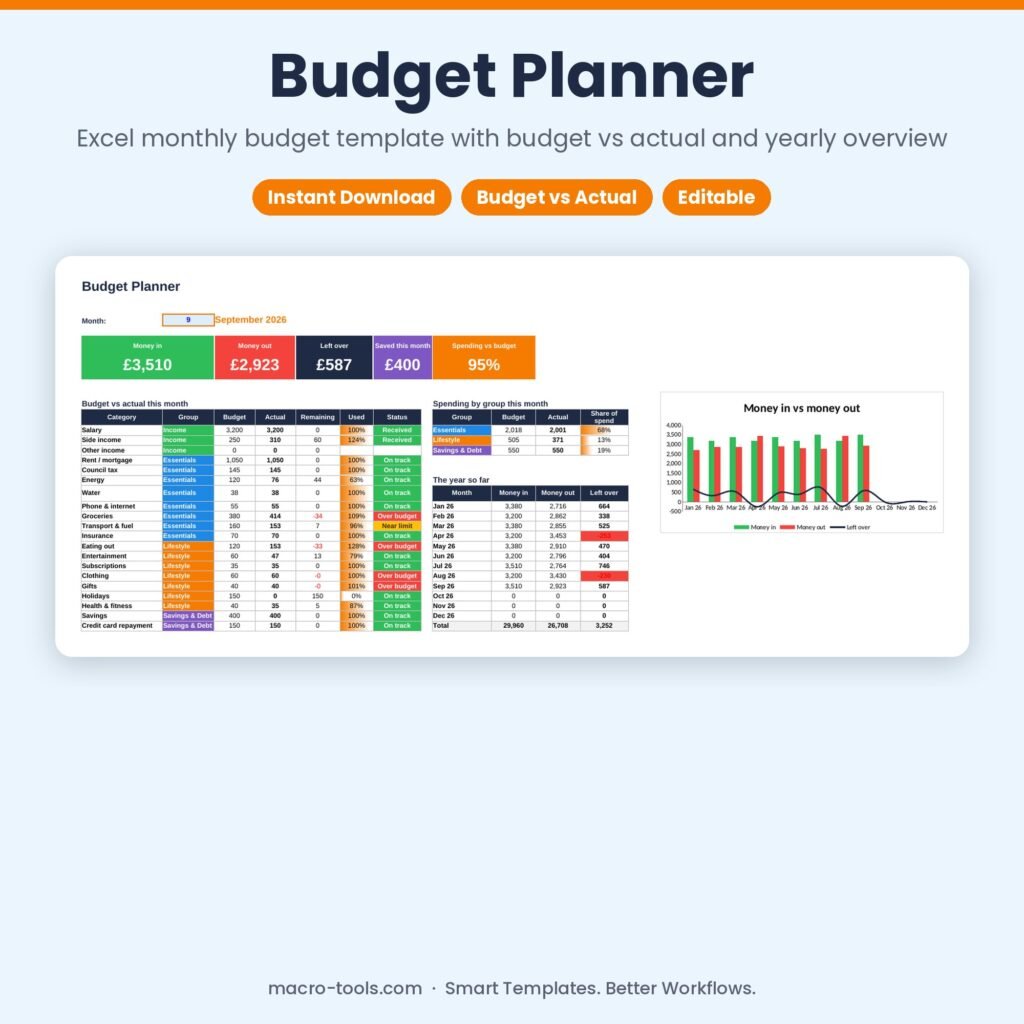
Take control of your money in a few minutes a week. Set up your income and spending categories with a monthly budget, then record your transactions as they happen. The Budget Planner shows money in, money out, what’s left over and how much you’ve saved — with every category compared against its budget and colour-coded on track, near the limit or over budget.
What it does
- Monthly dashboard – money in, money out, left over, saved and spending vs budget for any month
- Budget vs actual – budget, actual, remaining, % used and a status for every category
- Spending by group – essentials, lifestyle and savings & debt compared
- Year at a glance – 12-month table of income, spending and what’s left, with a chart
- Simple transactions log – 1,000 rows: date, description, category, amount and how you paid
- Your own categories – up to 30 categories in four groups, any currency
- Protected formulas – calculations are locked and hidden so nothing breaks by accident
Who it’s for
Individuals, couples, families, students and anyone who wants a clear, simple monthly budget.
What’s included
- 1 Excel workbook (.xlsx): How to Use, Dashboard, Transactions and Settings
- 20 ready-made categories and 9 months of sample transactions
- Built-in How to Use guide and sample data you can clear in one step
Requirements
Microsoft Excel 2010 or later, including Excel 2019, 2021 and Microsoft 365 (Windows or Mac). Not designed for Google Sheets.
This is a digital download. No physical item will be shipped. Your file is available to download immediately after purchase.
Template Features
- Ready to use: just type in the blue input cells
- Formulas locked and hidden so nothing breaks by accident
- Drop-down lists and automatic status colours
- Dashboard and summaries update instantly
- Sample data included so you can see it working
- Built-in How to Use sheet
Software Compatibility
- Microsoft Excel 2010 or later
- Excel 2016, 2019, 2021 and Microsoft 365
- Windows and Mac
- Not designed for Google Sheets or Numbers
Skill Level Required
- Beginner friendly: no formulas, macros or add-ins needed
- Clear instructions on the How to Use sheet
- Works out of the box with your own data
Download & Licence
- Instant download after checkout (.xlsx file)
- Lifetime access from your account
- Use for personal or internal business use
- Reselling or sharing the file is not permitted
You may also like
-
New
Sale!
 Business & HR Tools
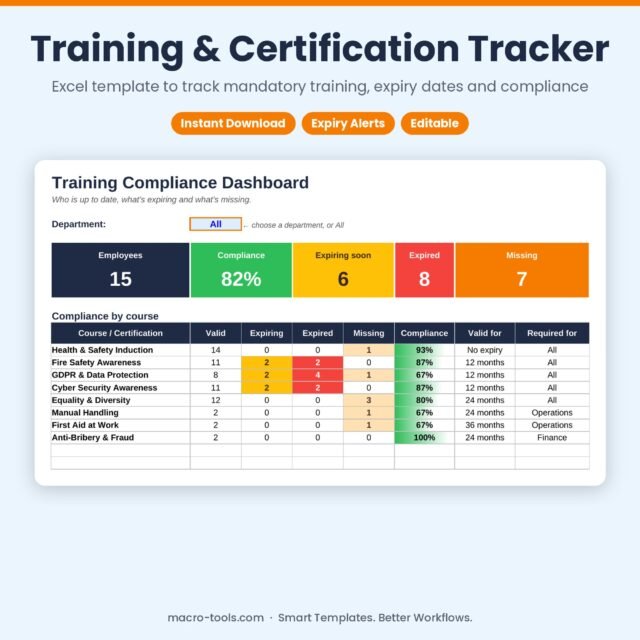
Training & Certification Tracker – Excel Training Matrix with Expiry Dates & Compliance
Original price was: £10.00.£5.00Current price is: £5.00. Add to cart -
New
Sale!
 Excel Tools
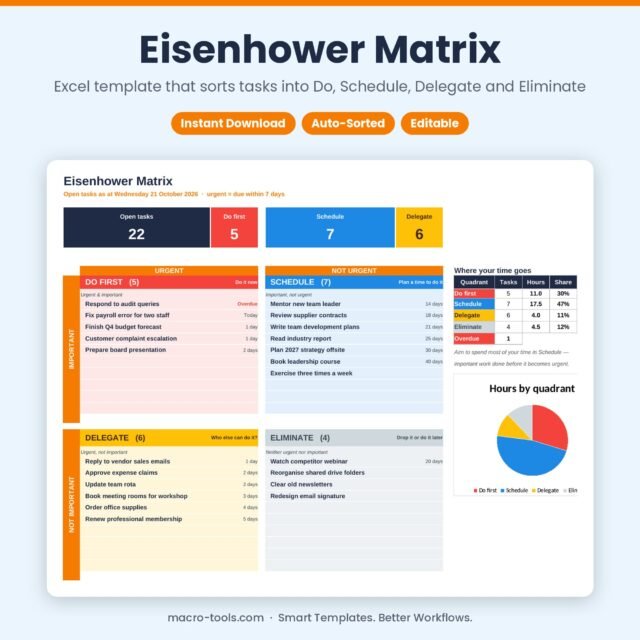
Eisenhower Matrix – Excel Priority Matrix Template with Automatic Urgency
Original price was: £10.00.£5.00Current price is: £5.00. Add to cart -
New
Sale!
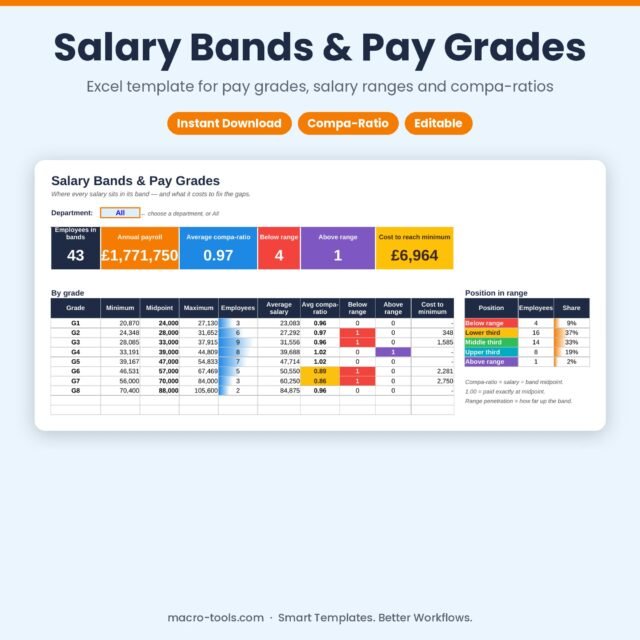 Business & HR Tools
Salary Bands & Pay Grades – Excel Pay Structure Template with Compa-Ratio Dashboard
Original price was: £10.00.£5.00Current price is: £5.00. Add to cart -
New
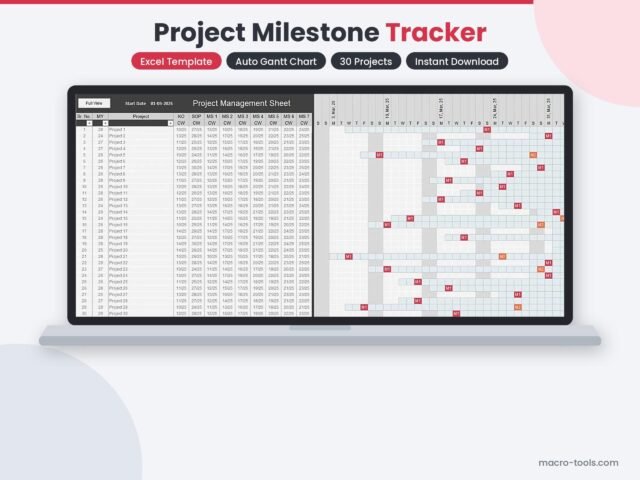 Excel Tools
Project Milestone Tracker – Excel Gantt Chart for Multiple Projects
£4.00 Add to cart -
New
Sale!
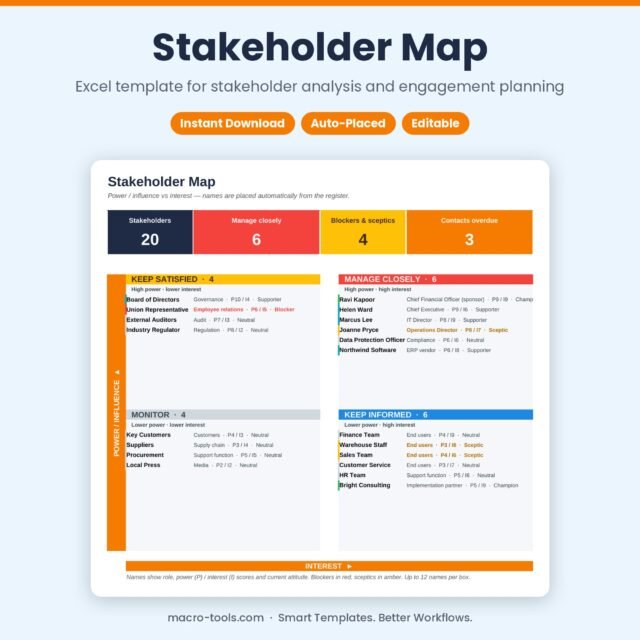 Excel Tools
Stakeholder Map – Excel Power Interest Grid & Engagement Plan Template
Original price was: £10.00.£5.00Current price is: £5.00. Add to cart -
New
Sale!
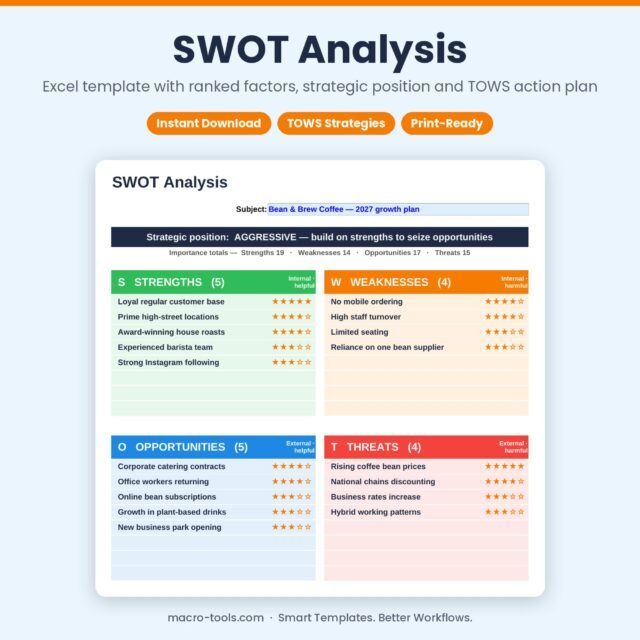 Excel Tools
SWOT Analysis – Excel Template with Ranked Factors, TOWS Matrix & Action Plan
Original price was: £10.00.£5.00Current price is: £5.00. Add to cart -
New
Sale!
 Business & HR Tools
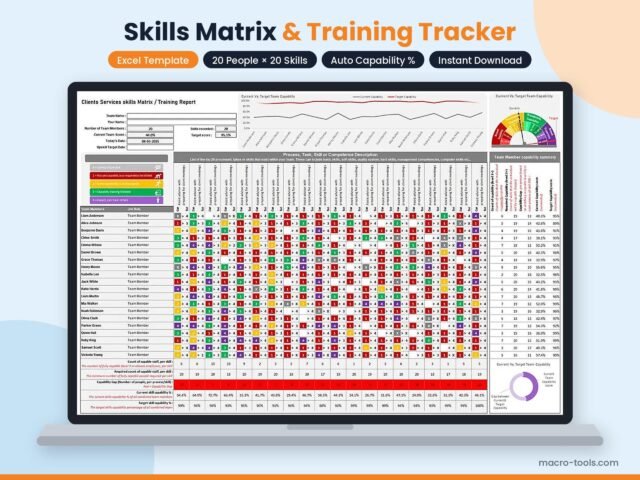
Skills Matrix Excel Template – Light Edition (20 Members × 20 Skills)
Original price was: £14.99.£14.00Current price is: £14.00. Add to cart -
New
Sale!
 Excel Tools
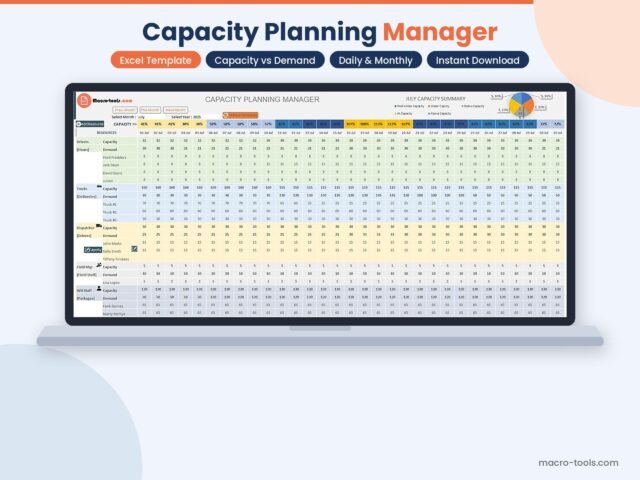
Capacity Planning Manager – Excel Resource & Demand Planner (.xlsm)
Original price was: £10.00.£9.00Current price is: £9.00. Add to cart -
New
Sale!
 Business & HR Tools
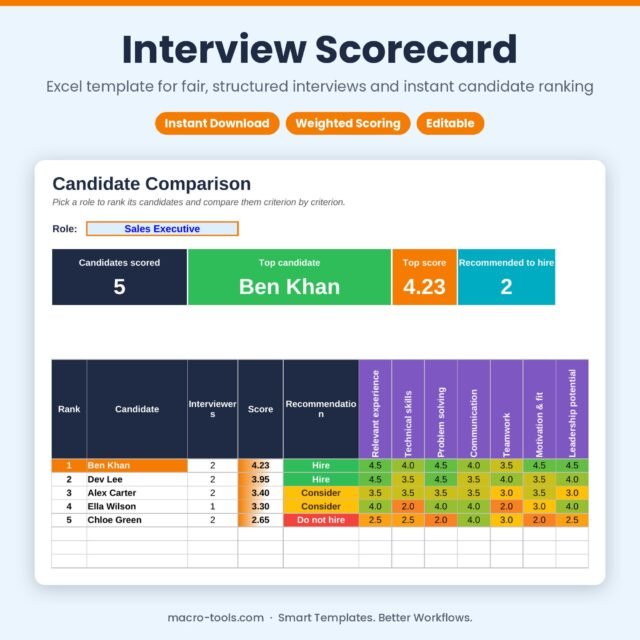
Interview Scorecard – Excel Candidate Evaluation & Ranking Template
Original price was: £10.00.£5.00Current price is: £5.00. Add to cart -
New
Sale!
 Business & HR Tools
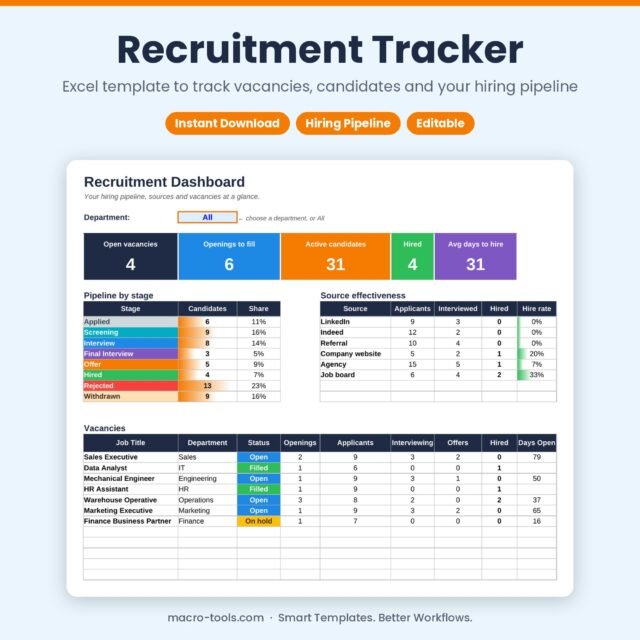
Recruitment Tracker – Excel Applicant Tracking Template with Hiring Pipeline Dashboard
Original price was: £10.00.£5.00Current price is: £5.00. Add to cart