Pregnancy Tracker – Cute Blue Excel Pregnancy Planner with Dashboard, Due Date Countdown & Baby Size by Week
£3.00
What it does
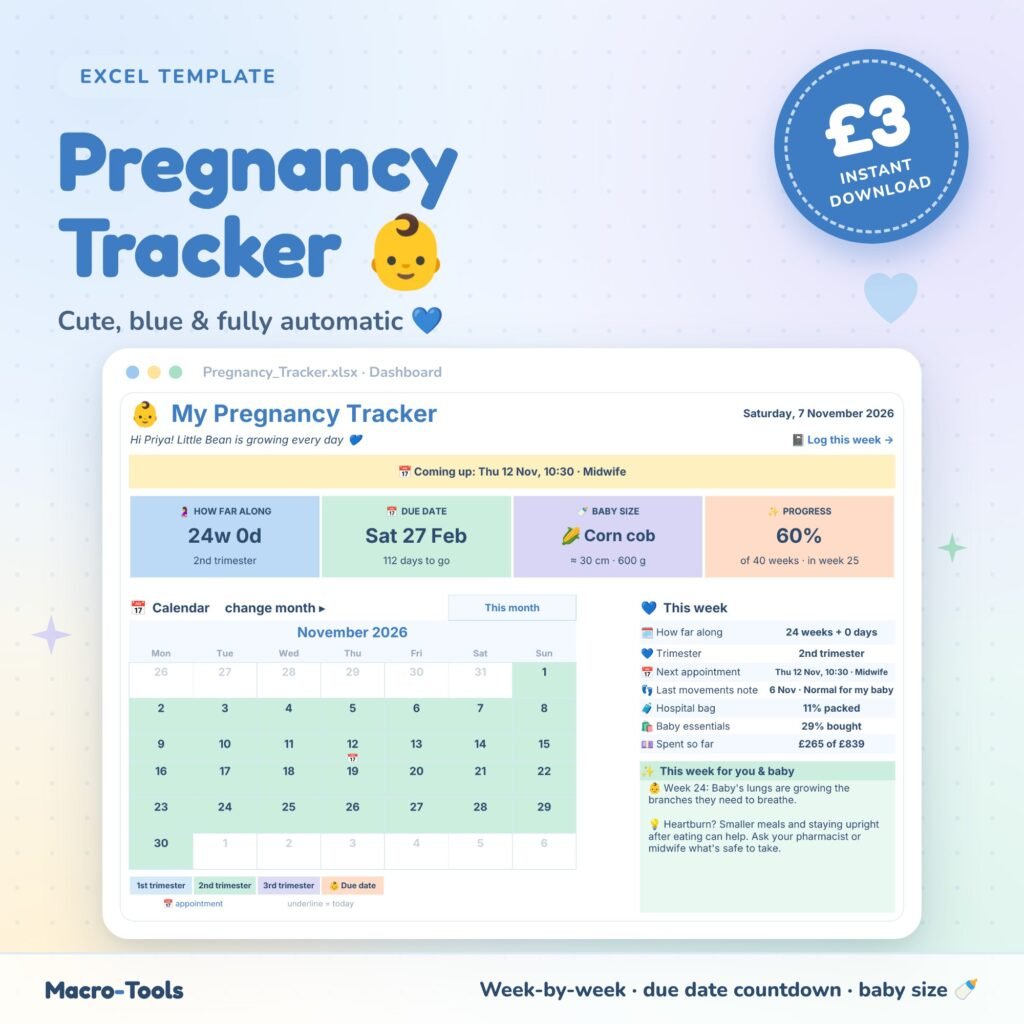
Your whole pregnancy in one pretty, private Excel file. Type your due date (or the first day of your last period) and the tracker does the rest: how many weeks and days you are, your trimester, your baby’s size this week, a countdown to your due date and a tip for every week.
- Dashboard – weeks + days, due date countdown, baby’s size (fruit, length and weight), % progress, friendly status messages and a “this week” panel
- Calendar – colour-coded by trimester with your appointments and due date marked; flip back a month or look up to 2 months ahead
- Cute charts – pregnancy progress ring, weight by week, mood mix and your most common symptoms
- Weekly Journal – weeks 4 to 42 with dates, trimester and baby size filled in for you; add weight, bump size, mood, 9 symptoms and milestones
- Appointments – midwife visits, scans, blood tests and classes, with your next 5 appointments and a countdown on the dashboard
- Baby Movements – note how movements feel, with a clear alert to contact your maternity unit if they slow down or change
- Checklists – hospital bag for you, baby and your birth partner, plus a baby essentials list with costs, so you can see what you’ve packed, bought and spent
- Week by Week guide – baby’s size and what’s happening every week from 4 to 40
- Protected formulas – only the white cells can be edited; everything else is locked and hidden so nothing breaks by accident
How to use
- On the Start Here tab, enter your due date (and your name and baby’s nickname if you like).
- Once a week, fill in your Weekly Journal, and add appointments as they’re booked.
- Open your Dashboard to see everything update automatically.
Who it’s for
Mums-to-be who want a calm, organised and cute way to follow their pregnancy week by week, without another app. It also makes a thoughtful gift for a friend who’s expecting 💙
What’s included
- 1 Excel workbook (.xlsx): Start Here, Dashboard, Weekly Journal, Appointments, Baby Movements, Checklists and Week by Week
- An example copy filled with sample data, so you can see every feature working
Good to know
Baby sizes are approximate averages and every baby grows differently. This tracker is a personal organiser, not medical advice. Always follow your midwife’s or doctor’s guidance, and if your baby’s movements slow down, stop or change, contact your midwife or maternity unit straight away.
Requirements
Microsoft Excel 2016 or later, including Excel 2019, 2021 and Microsoft 365 (Windows or Mac). Not designed for Google Sheets.
This is a digital download. No physical item will be shipped. Your file is available to download immediately after purchase.
Template Features
- Ready to use: just type in the blue input cells
- Formulas locked and hidden so nothing breaks by accident
- Drop-down lists and automatic status colours
- Dashboard and summaries update instantly
- Sample data included so you can see it working
- Built-in How to Use sheet
Software Compatibility
- Microsoft Excel 2010 or later
- Excel 2016, 2019, 2021 and Microsoft 365
- Windows and Mac
- Not designed for Google Sheets or Numbers
Skill Level Required
- Beginner friendly: no formulas, macros or add-ins needed
- Clear instructions on the How to Use sheet
- Works out of the box with your own data
Download & Licence
- Instant download after checkout (.xlsx file)
- Lifetime access from your account
- Use for personal or internal business use
- Reselling or sharing the file is not permitted
You may also like
-
New
 Health & Fitness
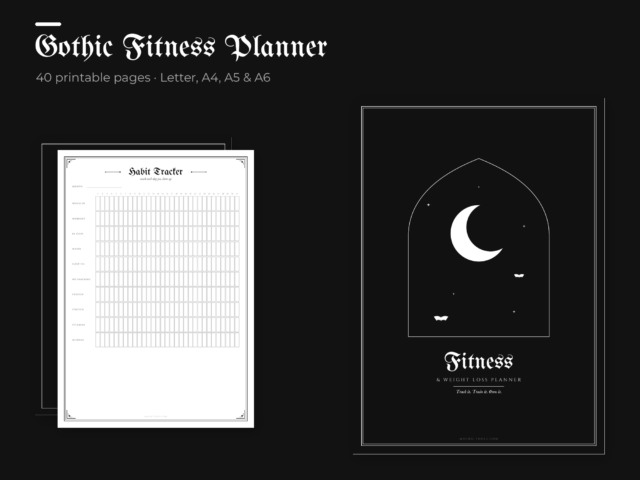
Gothic Fitness & Weight Loss Planner – 40 Printable Pages (Letter, A4, A5, A6)
£3.99 Add to cart -
New
 Excel Tools
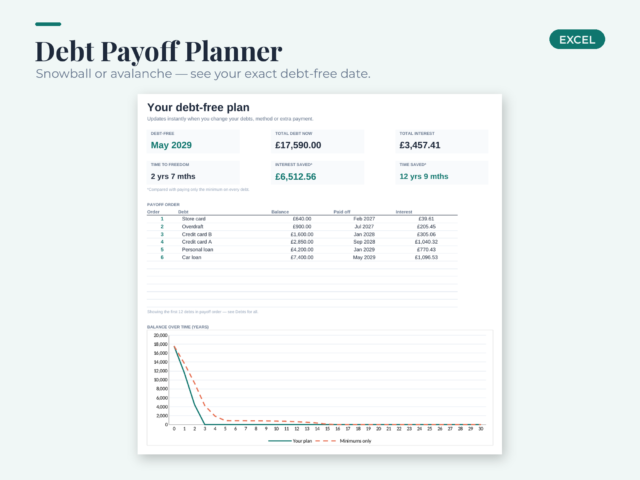
Debt Payoff Planner – Excel Debt Snowball & Avalanche Calculator
£3.99 Add to cart -
New
 Excel Tools
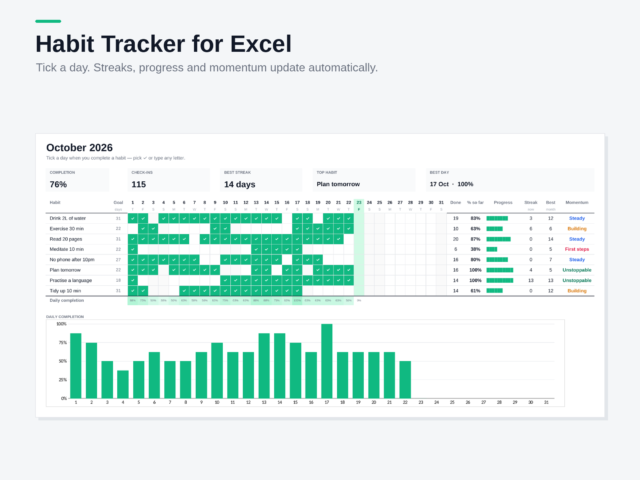
Habit Tracker – Excel Template
£2.00 Add to cart -
New
 Home & Kitchen
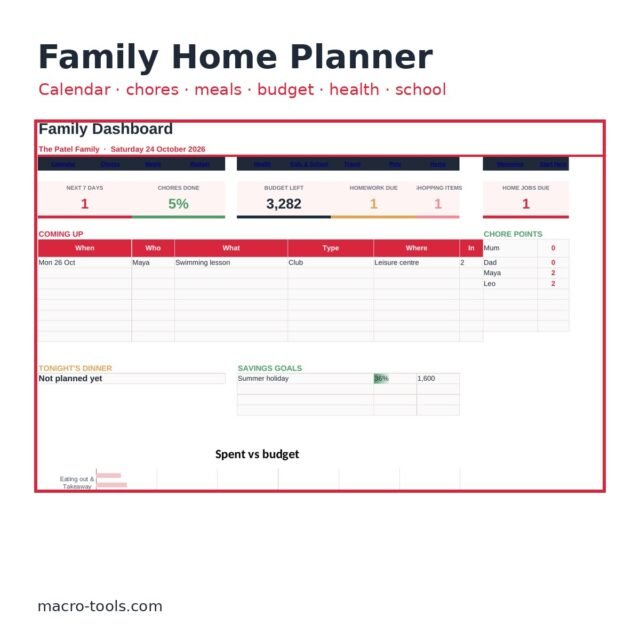
Family Home Planner – All-in-One Excel Organiser (Calendar, Chores, Meals, Budget, Kids, Pets)
£9.99 Add to cart -
Free
 Free Downloads
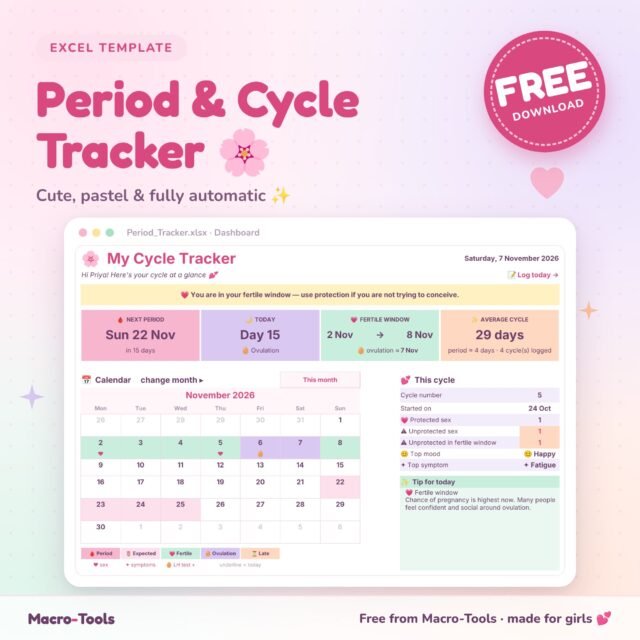
Free Period Tracker – Cute Pastel Excel Cycle, Ovulation & Mood Tracker with Dashboard
Free Add to cart -
New
 Money & Savings
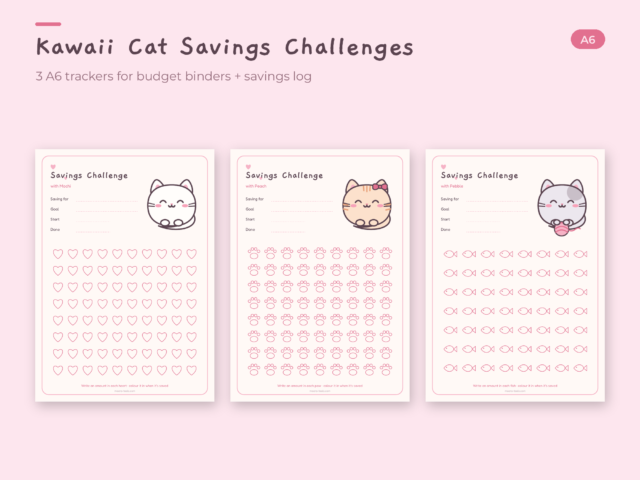
Kawaii Cat Savings Challenge – 3 A6 Savings Trackers for Budget Binders
£1.49 Add to cart -
New
 Daily & Digital Planners
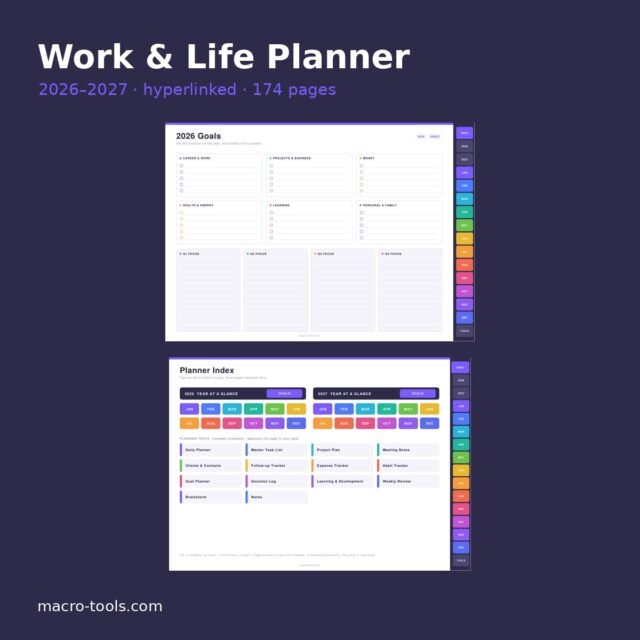
Work & Life Planner 2026–2027 – Hyperlinked PDF for OneNote, GoodNotes & Notability
£1.99 Add to cart -
New
 Home & Kitchen
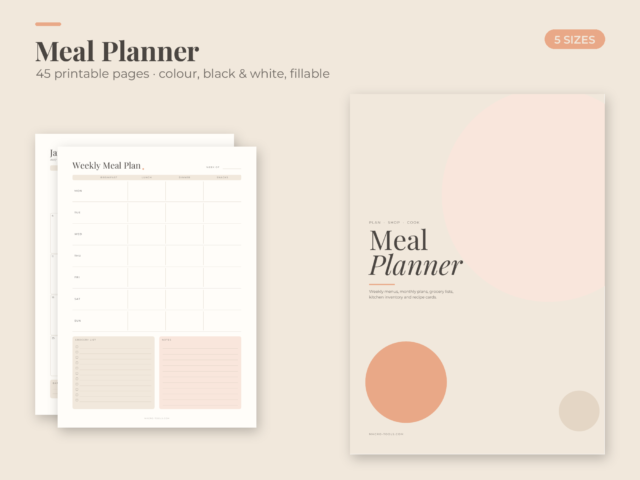
Meal Planner Printable – Weekly & Monthly Meal Plans, Grocery List, Recipe Cards (45 pages)
£2.29 Add to cart -
New
 Daily & Digital Planners
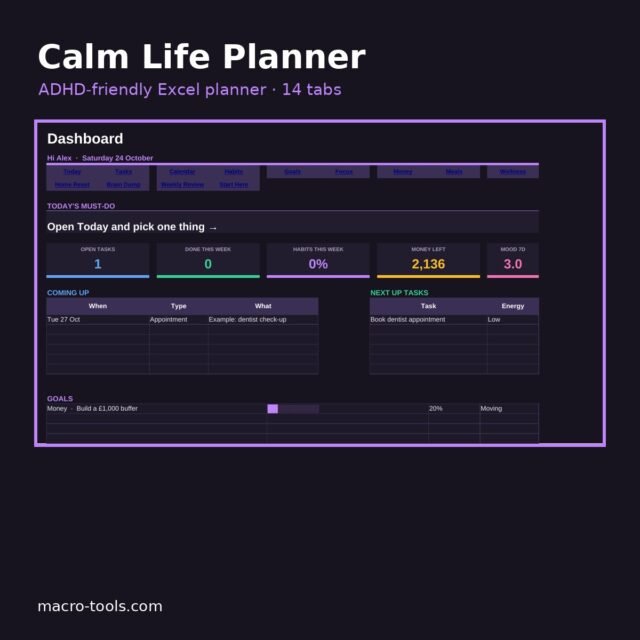
Calm Life Planner – ADHD-Friendly Excel Planner (Tasks, Habits, Money, Meals, Wellness)
£5.99 Add to cart -
New
 Daily & Digital Planners
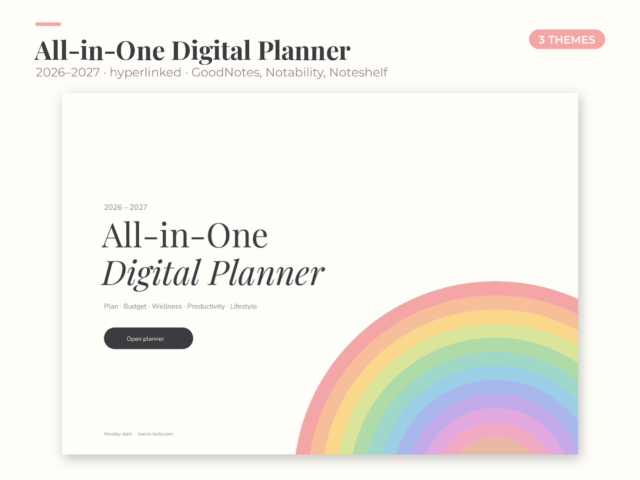
All-in-One Digital Planner 2026–2027 – Hyperlinked for GoodNotes, Notability & Noteshelf
£0.89 Add to cart