New
Timesheet & Overtime Tracker – Excel Weekly Timesheet Template with Overtime & Gross Pay
Original price was: £10.00.£5.00Current price is: £5.00.
See it in action
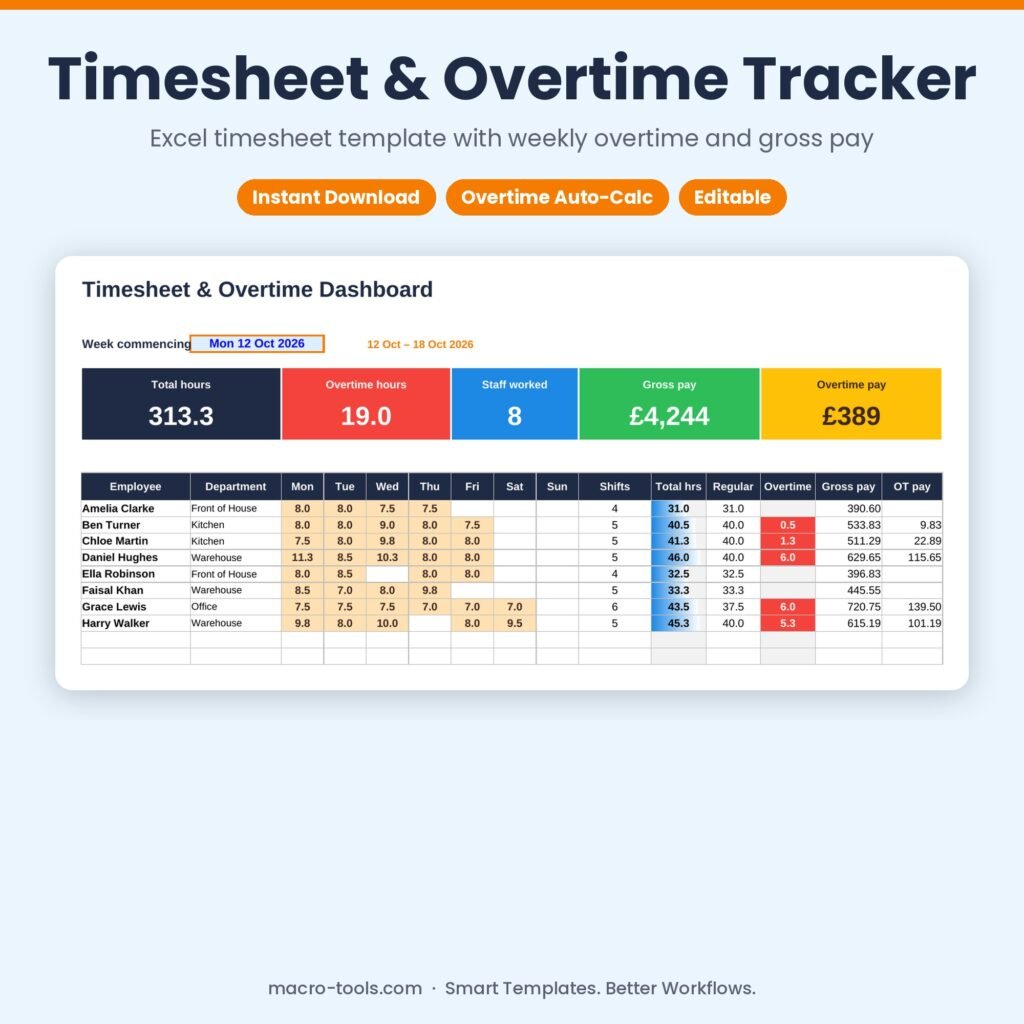
A simple, accurate timesheet for hourly staff. Record each shift with start and finish times and break minutes; the workbook works out the hours (overnight shifts included), checks for mistakes, and calculates each person’s weekly regular hours, overtime and gross pay using your own overtime rules.
What it does
- Automatic hours – start, finish and break in minutes turn into hours worked, including shifts that cross midnight
- Overtime rules – a weekly overtime threshold and rate multiplier, with optional per-employee thresholds
- Weekly dashboard – pick a week to see each person’s Monday to Sunday hours, shifts, regular hours, overtime and gross pay
- 12-week trend – regular vs overtime hours and gross pay for the last 12 weeks, with a chart
- Error checks – flags incomplete rows, long shifts and possible duplicate entries
- Employee list – departments, hourly rates, shifts and hours logged
- Protected formulas – calculations are locked and hidden so nothing breaks by accident
Who it’s for
Small business owners, shift managers, restaurants, warehouses, care providers and anyone paying hourly staff.
What’s included
- 1 Excel workbook (.xlsx): How to Use, Dashboard, Timesheet, Employees and Settings
- Sample data: 8 employees and 12 weeks of shifts
- Built-in How to Use guide and sample data you can clear in one step
Requirements
Microsoft Excel 2010 or later, including Excel 2019, 2021 and Microsoft 365 (Windows or Mac). Not designed for Google Sheets.
This is a digital download. No physical item will be shipped. Your file is available to download immediately after purchase.
Template Features
- Ready to use: just type in the blue input cells
- Formulas locked and hidden so nothing breaks by accident
- Drop-down lists and automatic status colours
- Dashboard and summaries update instantly
- Sample data included so you can see it working
- Built-in How to Use sheet
Software Compatibility
- Microsoft Excel 2010 or later
- Excel 2016, 2019, 2021 and Microsoft 365
- Windows and Mac
- Not designed for Google Sheets or Numbers
Skill Level Required
- Beginner friendly: no formulas, macros or add-ins needed
- Clear instructions on the How to Use sheet
- Works out of the box with your own data
Download & Licence
- Instant download after checkout (.xlsx file)
- Lifetime access from your account
- Use for personal or internal business use
- Reselling or sharing the file is not permitted
You may also like
-
New
Sale!
 Dashboards & Reports
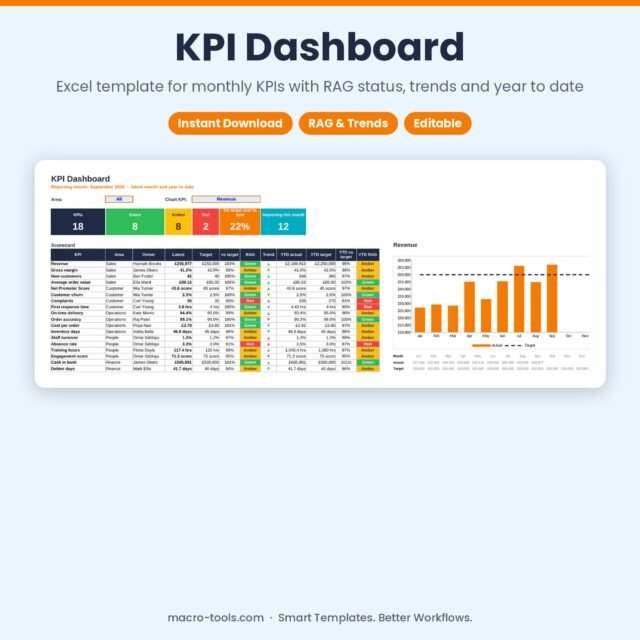
KPI Dashboard – Excel Monthly KPI Tracker with RAG Status, Trends & Year to Date
Original price was: £10.00.£5.00Current price is: £5.00. Add to cart -
New
Sale!
 Excel Tools
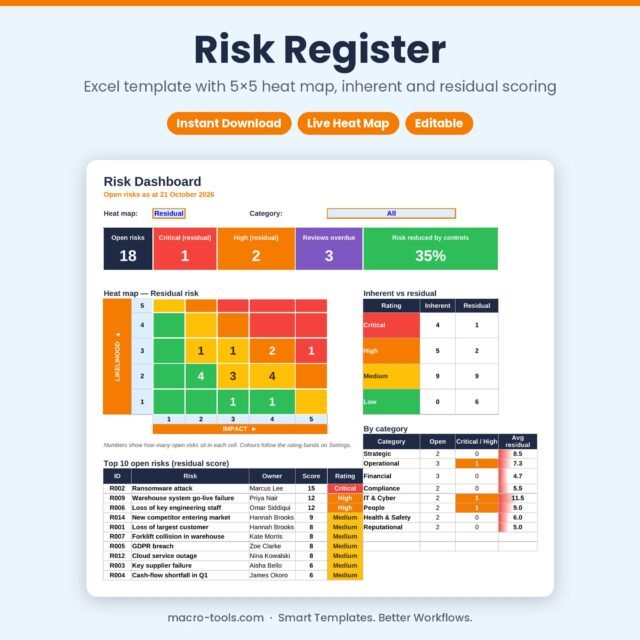
Risk Register – Excel Risk Assessment Template with 5×5 Heat Map & Dashboard
Original price was: £10.00.£5.00Current price is: £5.00. Add to cart -
New
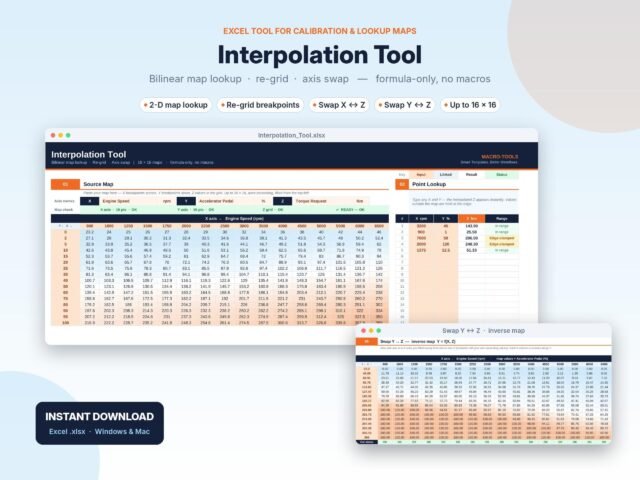 Excel Tools
2D Map Interpolation Tool – Bilinear Lookup, Re-grid & Inverse Map (Excel)
£25.00 Add to cart -
New
Sale!
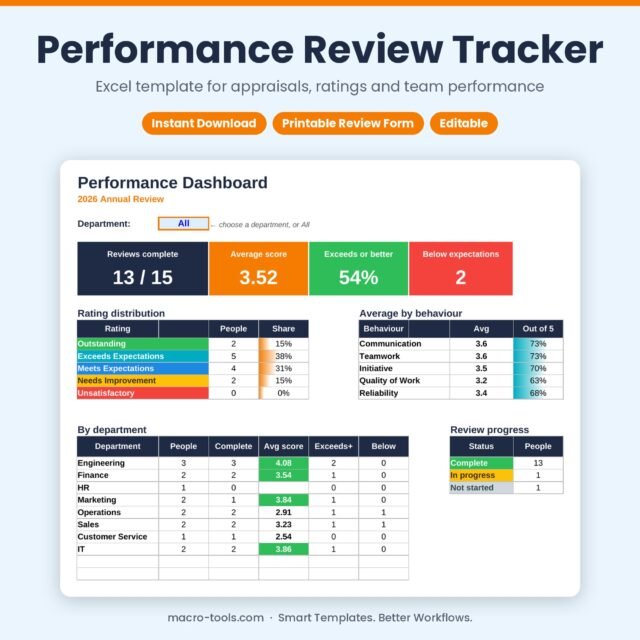 Business & HR Tools
Performance Review Tracker – Excel Appraisal Template with Ratings Dashboard & Review Form
Original price was: £10.00.£5.00Current price is: £5.00. Add to cart -
New
Sale!
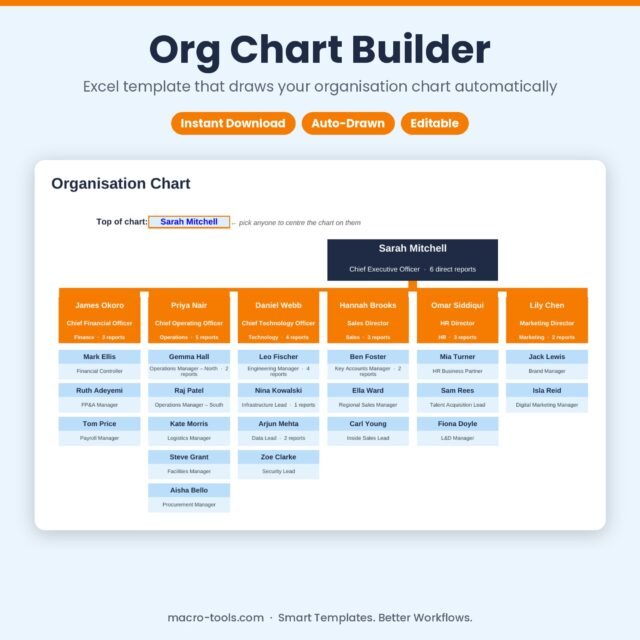 Business & HR Tools
Org Chart Builder – Excel Organisation Chart Template that Draws Itself
Original price was: £10.00.£5.00Current price is: £5.00. Add to cart -
New
Sale!
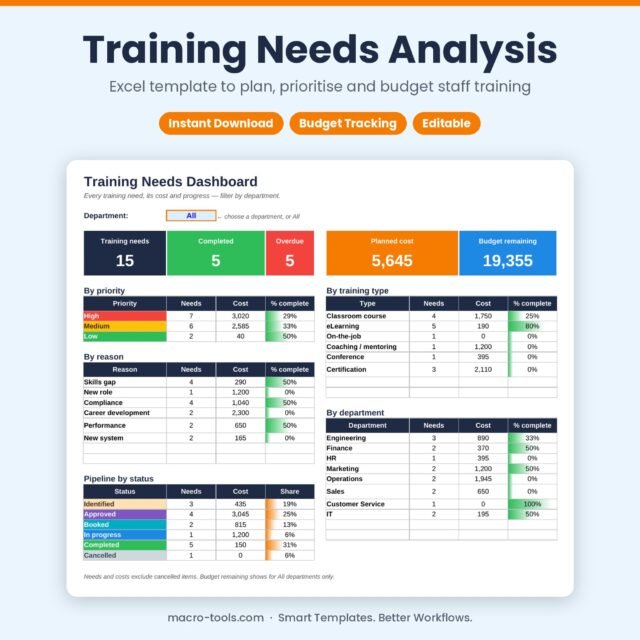 Business & HR Tools
Training Needs Analysis – Excel Training Plan & Budget Tracker Template
Original price was: £10.00.£5.00Current price is: £5.00. Add to cart -
New
Sale!
 Excel Tools
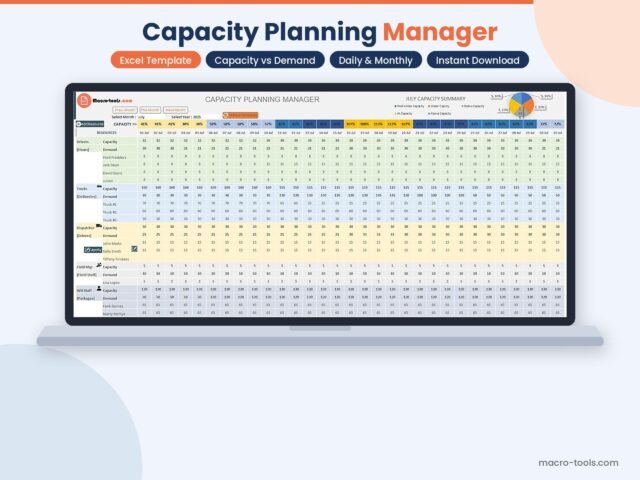
Capacity Planning Manager – Excel Resource & Demand Planner (.xlsm)
Original price was: £10.00.£9.00Current price is: £9.00. Add to cart -
New
Sale!
 Excel Tools
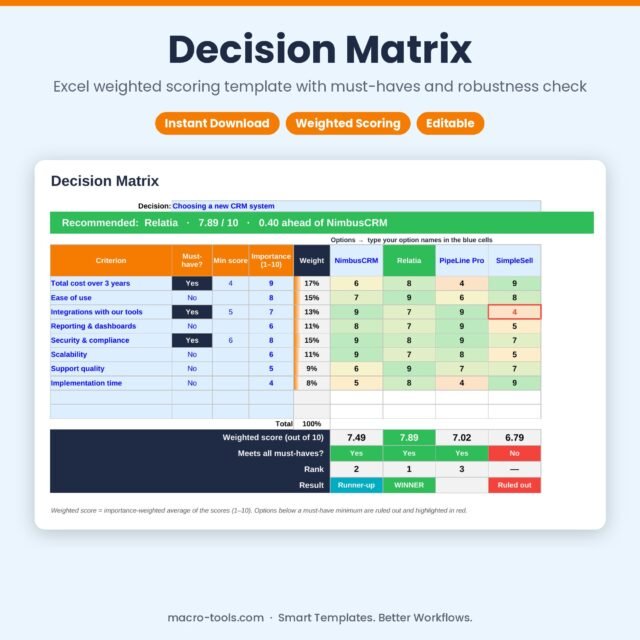
Decision Matrix – Excel Weighted Scoring Template with Must-Haves & Robustness Check
Original price was: £10.00.£5.00Current price is: £5.00. Add to cart -
New
Sale!
 Business & HR Tools
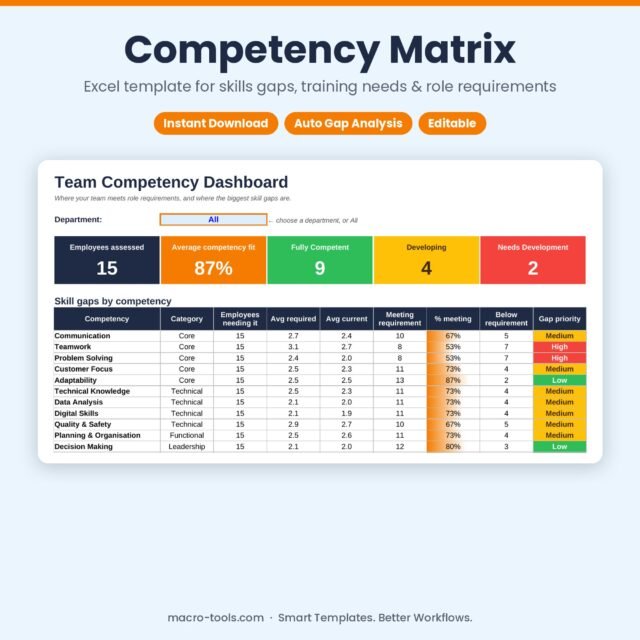
Competency Matrix – Excel Template for Skills Gap Analysis & Training Needs
Original price was: £10.00.£5.00Current price is: £5.00. Add to cart -
New
Sale!
 Business & HR Tools
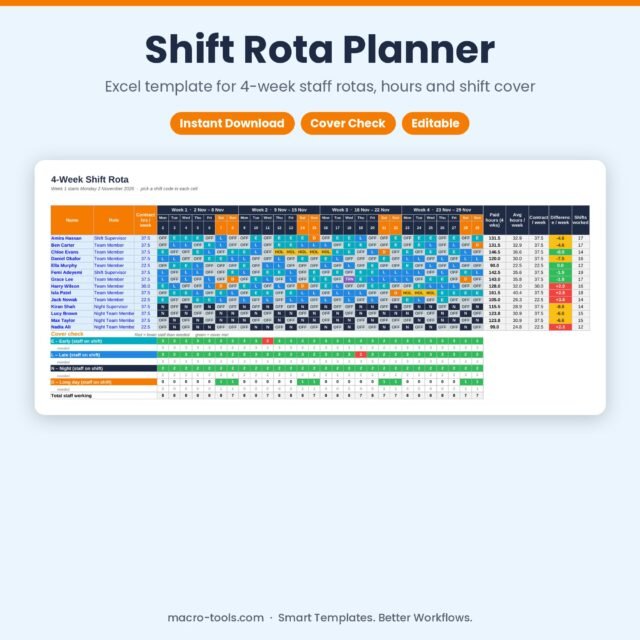
Shift Rota Planner – Excel 4-Week Staff Rota Template with Hours & Cover Check
Original price was: £10.00.£5.00Current price is: £5.00. Add to cart